Activity Monitors: What's Being Watched, and Why?
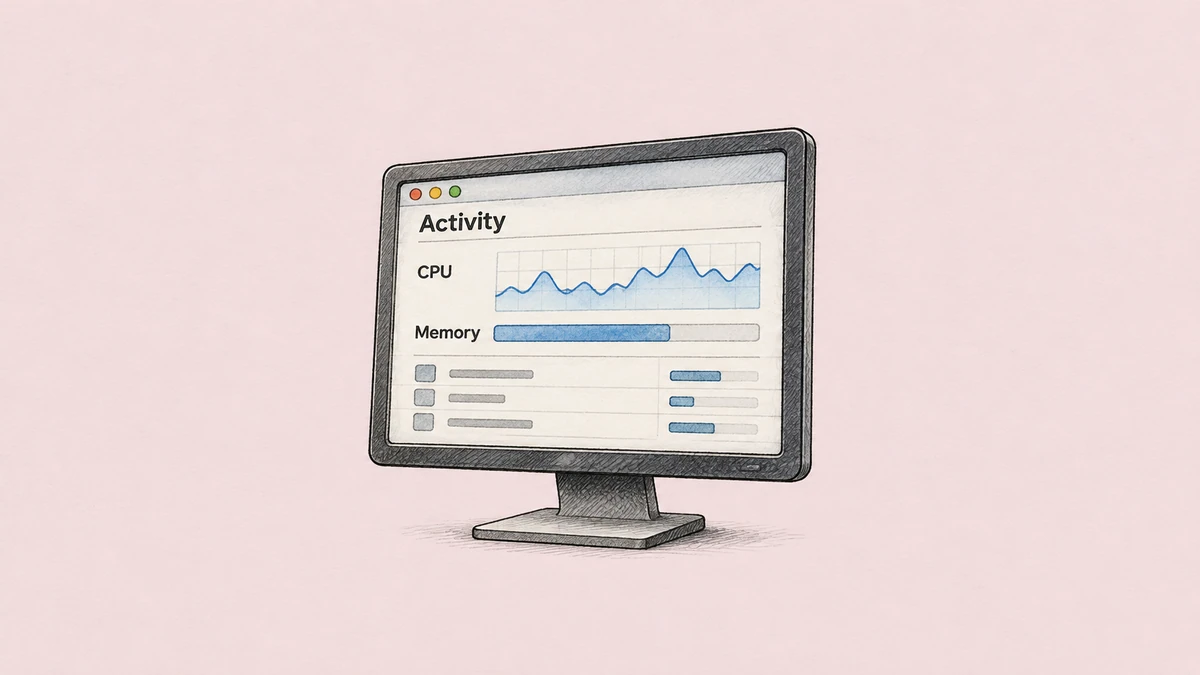
A tool that shows why your laptop is overheating and a tool that records every key you press can both be described as activity monitors. The name alone tells you very little about what is being watched.
An activity monitor observes or records events on a device, in an application or across a network. What it collects depends on its purpose, configuration and permissions.
Some monitors help diagnose performance problems. Others support security investigations, report app usage or record people's actions in much greater detail.
| Purpose | Examples of information collected |
|---|---|
| Performance troubleshooting | Processor use, memory use, disk activity |
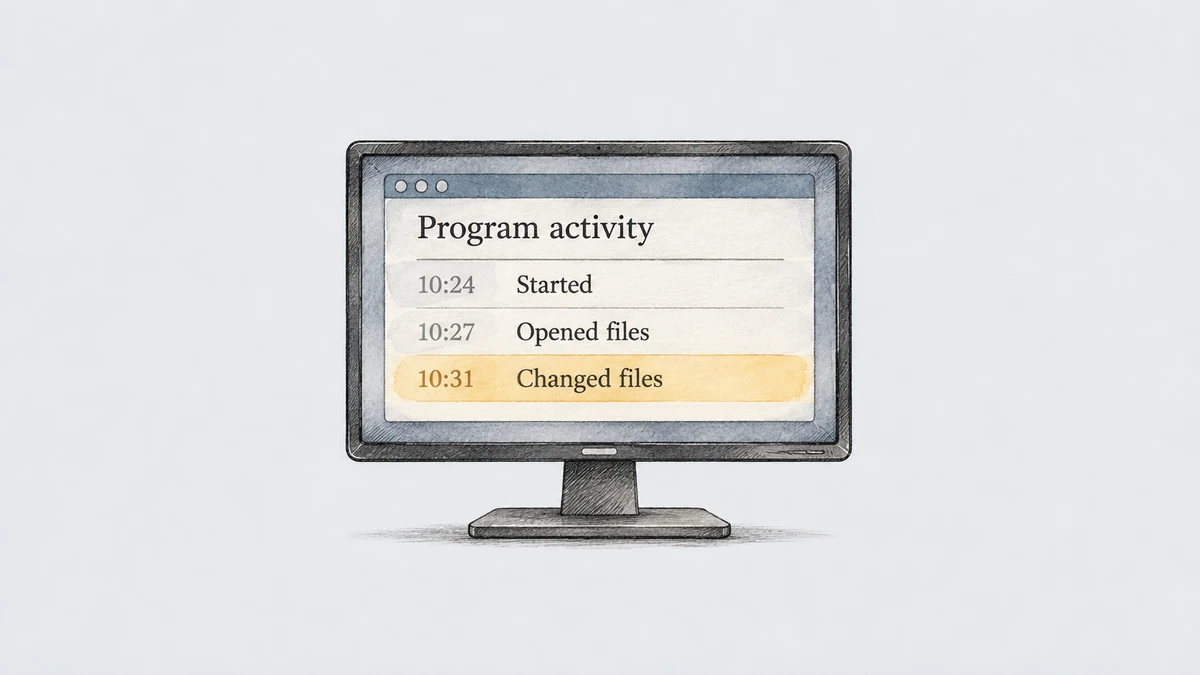
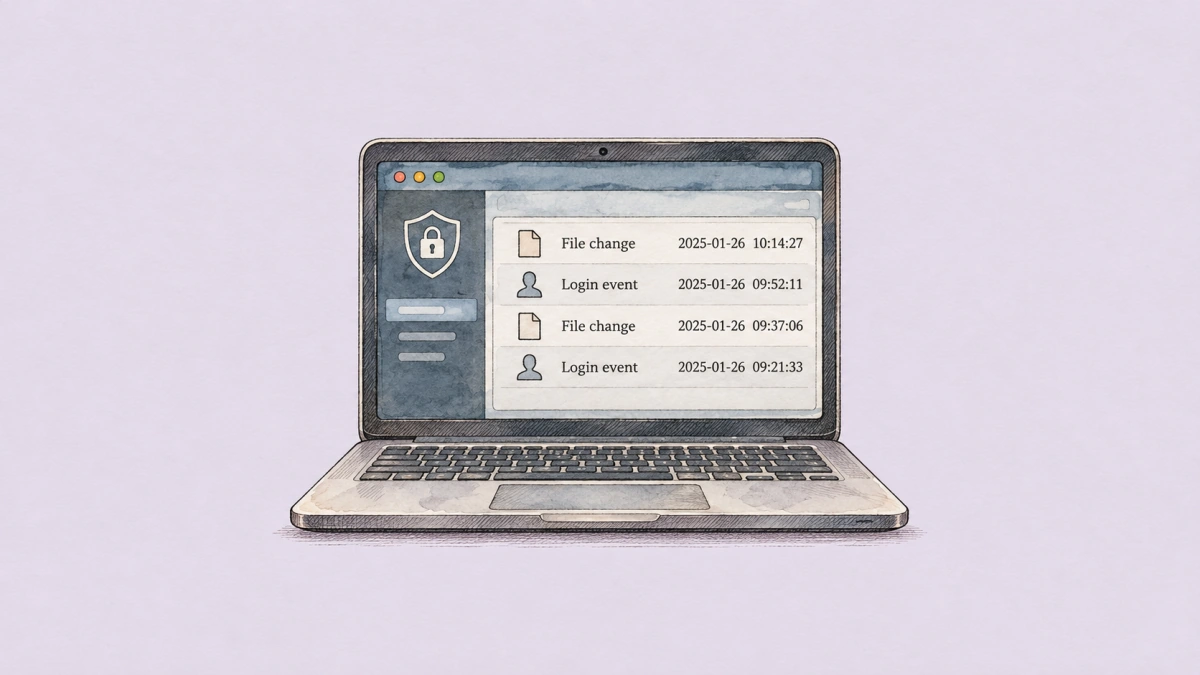
| Security investigation | Programs starting, files changing, network connections |
| Usage reporting | Time in apps, device use, supported browsing activity |
| Detailed user monitoring | Screenshots or keystrokes, if the tool has those features |
These aren't interchangeable capabilities. A performance graph doesn't imply that someone can read your messages, and a product offering screenshots doesn't necessarily record every network event.
How Analysts Make Sense of Thousands of Alerts
Start with what the tool actually measures
Apple's Activity Monitor shows how a Mac uses resources such as its processor, memory and energy. The processor, also called the CPU, performs calculations and runs instructions; memory holds information that running programs are using.
That makes the tool useful when an app consumes too many resources. It doesn't turn every displayed program into evidence of spying or infection.
For a different kind of view, Microsoft's Sysmon records selected system events, including programs starting and, when configured, network connections. A log is a record of those events, usually with details such as when they occurred.
Microsoft explicitly notes that Sysmon doesn't analyze the events it generates. Collecting evidence and deciding what that evidence means are separate jobs.
A family usage report has another scope. Microsoft's Family Safety reporting covers supported device and app activity, with web reporting tied to its supported browser setup.
Coverage matters: a report about one connected device or browser isn't a complete record of someone's online life. Check the product's actual reporting limits before treating a blank report as proof that nothing happened.
A record needs context—and protection
A burst of processor activity might come from a video export, an update or unwanted software. The graph shows that work happened, not why it happened.
The same caution applies to measuring people. Time with a document open doesn't prove useful work, and time without typing doesn't prove someone stopped thinking.
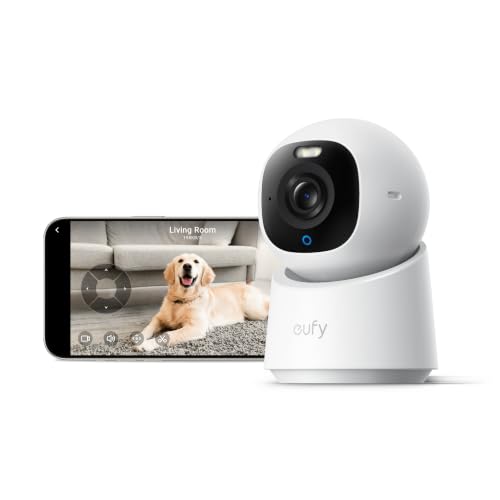
- Check on your home from your phone without paying for a subscription.
- See clearly at night with color night vision and a built-in spotlight.
- Follow movement around the room automatically with pan, tilt and AI tracking.
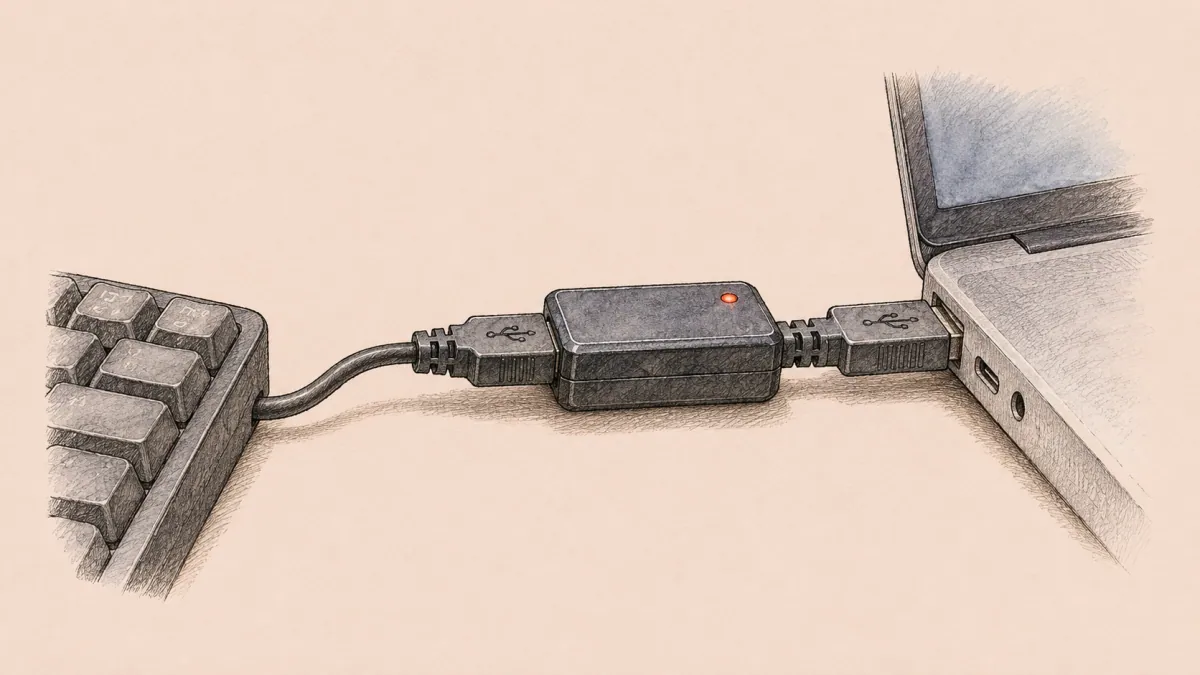
Some tools collect far more sensitive information. A keylogger records keystrokes, which can expose private messages and sign-in information; screenshots can capture whatever was visible at the moment.
That creates a second thing to secure: the monitoring records themselves. A detailed activity history can reveal information that wasn't intended for everyone who can open the reporting dashboard.
Before enabling a monitor, define the question it should answer and choose the least intrusive collection that answers it. Decide who can view the records, how long they're kept and how the affected people will be told what is collected.
For example, diagnosing a slow app may require a short performance recording. It doesn't automatically justify saving a week of screenshots.
A useful monitor produces evidence you can interpret for a stated purpose. More records aren't automatically better evidence, and a dashboard can't supply the context its measurements never captured.
Behavior Monitoring: What Software Does Can Give It Away
Host-Based Intrusion Detection: What Changed on That Computer?
Keyloggers: Stealing a Password Before It Leaves the Keyboard
QUOTE:
"Amateurs hack systems, professionals hack people."