5 Ways to Reduce the Risk of Phishing
The email looks right, the logo is perfect, and the link is one click away. The habits that catch a phish before it catches you.
By Charles Joseph · Updated
Share
Share
Copy Link
In this article
Close
Phishing attacks can be challenging to detect, as they often use clever tactics to deceive users into revealing sensitive information.
How a Phishing Message Tries to Fool You
PowerCert animates phishing, a very common internet fraud in which criminals try to trick people into giving up information.
12 Tips to Reduce the Risk of Being Phished
- Be cautious with unsolicited messages: Treat unexpected emails, text messages, or social media messages with suspicion, especially if they ask for personal information or contain links or attachments.
- Verify the sender’s identity: Check the email address and domain of the sender to ensure it’s from a legitimate source. Be cautious of emails that use look-alike domains that closely resemble a legitimate website but have minor variations in spelling.
- Hover over links before clicking: Place your cursor over a link without clicking to preview the URL. Be cautious of unfamiliar or suspicious URLs that don’t match the expected destination.
- Don’t click on suspicious links or download attachments: Avoid clicking on links or downloading attachments from unverified sources, as they may lead to malicious websites or contain malware.
- Enable two-factor authentication (2FA): Use 2FA on your online accounts to add an extra layer of security, making it more difficult for attackers to gain unauthorized access, even if they have your login credentials.
- Keep your devices and software updated: Regularly update your operating system, applications, and antivirus software to protect against known vulnerabilities and security threats.
- Educate yourself about common phishing tactics: Familiarize yourself with the latest phishing techniques and red flags, such as urgent requests, poor grammar, or unusual sender email addresses.
- Use a reputable antivirus and anti-phishing tool: Install security software that includes anti-phishing protection to help detect and block phishing attempts.
- Don’t provide personal information in response to unsolicited requests: Legitimate organizations, such as banks or government agencies, will not ask for sensitive information via email or text message. If you’re unsure about a request, contact the organization directly using a verified phone number or email address.
- Check for HTTPS: When visiting websites, ensure they use HTTPS (indicated by a padlock icon in the address bar) to encrypt your data and protect your privacy.
- Report phishing attempts: If you encounter a phishing email or website, report it to the relevant organization, such as your email provider or the targeted company, to help them take appropriate action.
- Regularly monitor your accounts: Keep an eye on your financial and online accounts for any suspicious activity or unauthorized access, and report any discrepancies immediately.
Sponsored
Summary
By following these tips and maintaining vigilance, you can significantly reduce the risk of falling victim to a phishing attack.

YubiKey 5 NFC: Phishing-Proof Logins on Your Keyring
- Make a stolen password useless without the key in your hand.
- Sign in with a tap instead of typing a code.
- Protect Google, Microsoft, Apple and more than 1,000 other accounts.
Remember that awareness and a healthy dose of skepticism are your best defenses against phishing attempts.
Read Next
Does Email Spoofing Mean You’ve Been Hacked?
An email just went out with your name on it, and you never wrote it. What spoofing really takes, and what it means for the account you're worried about.
Read More 
Major Brands’ Subdomains Compromised to Send Millions of Malicious Emails
Thousands of forgotten subdomains belonging to household names were quietly hijacked. The SubdoMailing scheme shows how a brand's own trust gets turned against its customers.
Read More 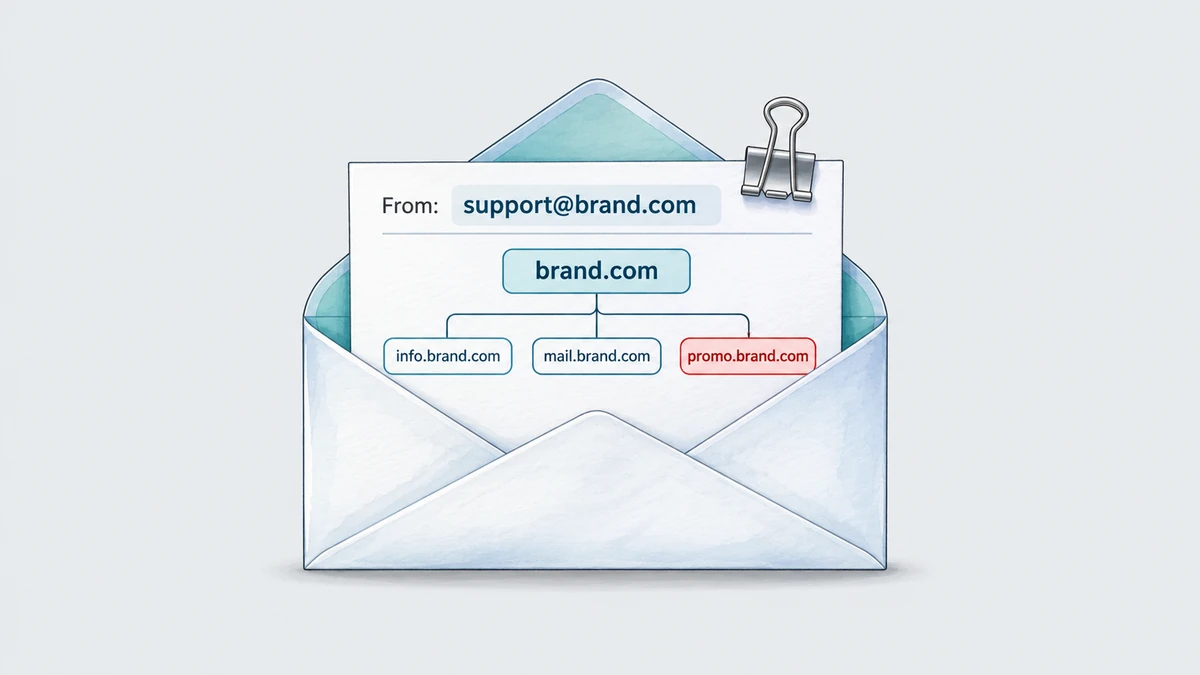
What to Do if You’ve Been Hacked or Your Info Has Been Compromised
The first hour after a breach matters more than the next month. What to lock down, who to call and how to keep a bad day from getting worse.
Read More 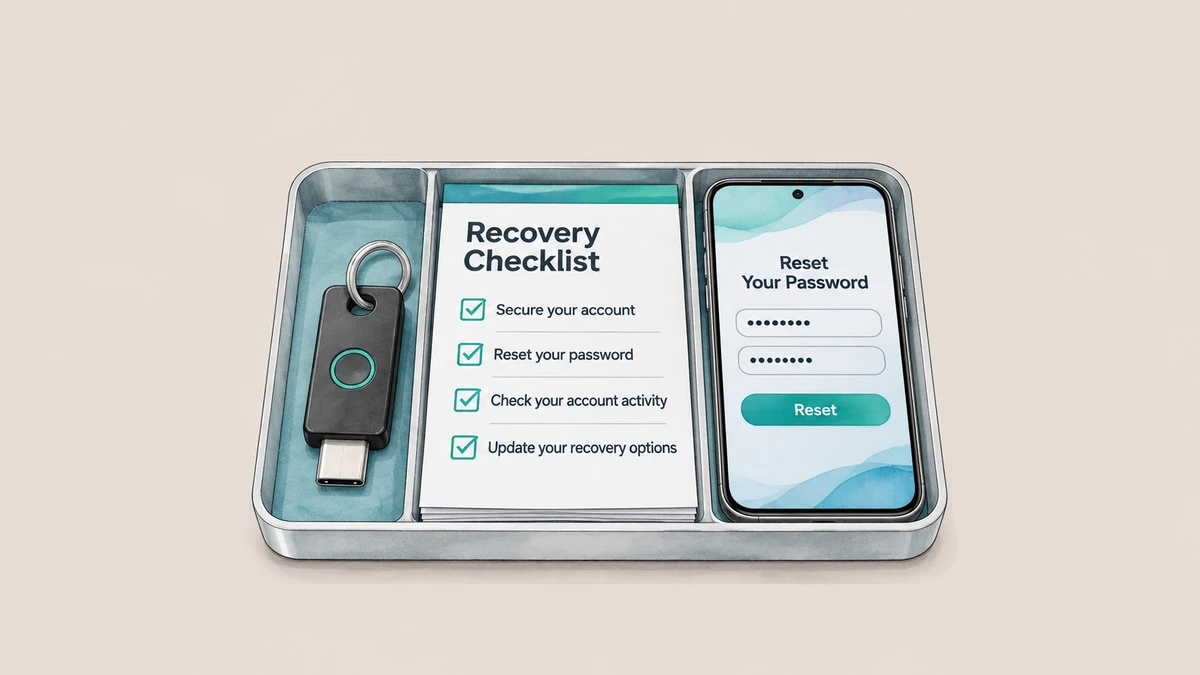
QUOTE:
"Amateurs hack systems, professionals hack people."